
How to Resend the One-Time Code
If you requested the one-time code and didn't receive it, you can resend the code to your email and or mobile phone number (whichever method you chose to complete your double verification).
Before you request a new code, review if:
- The email was sent to your junk email or spam folders,
- The email you entered is correct,
- H&R Block is unblocked as an approved sender on your email app.
- The correct mobile number you entered for SMS messages was used. If not, Reset your SMS.
After following these steps, click the link Resend the code (or, Resend for SMS), and a new code will be sent to the email you've entered.
| Resend email code | Resend SMS code |
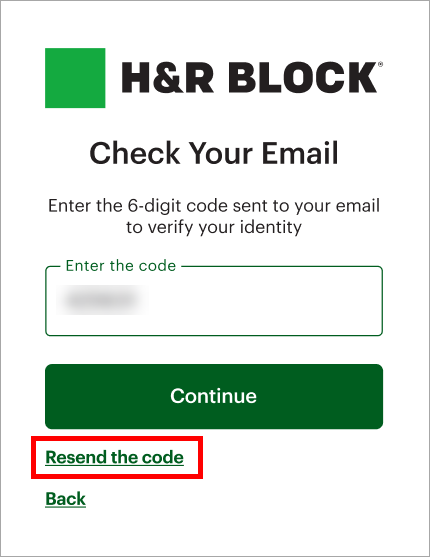
|
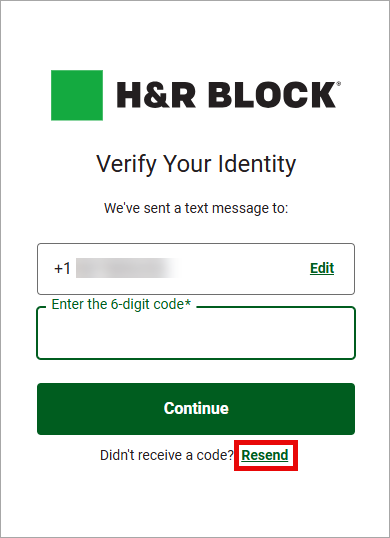
|
If you don’t have your phone number available at the moment, click Try another method. This will let you receive your verification code by email.
Note: Try another method is only available if you have already set up with SMS and signed in previously.
