Keeping Your H&R Block Canada Account Secure
There are many ways to protect your account, and creating a strong password is the first step.
To keep your account safe, make sure you do not:
- Repeat the same password from the last time,
- Use the same password from other sites or platforms,
- Share your password with others.
- Share your email address or phone number with others.
Creating a strong password
A combination of letters, numbers, and symbols is important when creating a new password. Ensure your password contains at least 8 characters ranging from:
- Lower and capital letters (e.g. a-z and A-Z)
- At least one number (e.g. 0-9)
- At least one special character (e.g. !@#$%*)
Add a Secondary Authentication Method (SMS – Mobile Phone Number)
Add another layer of security to your account by adding your mobile phone number (SMS) as a Secondary Authentication Method. This security method can always be reset and updated later if needed.
You can do this either by:
-
Signing in from our login page.
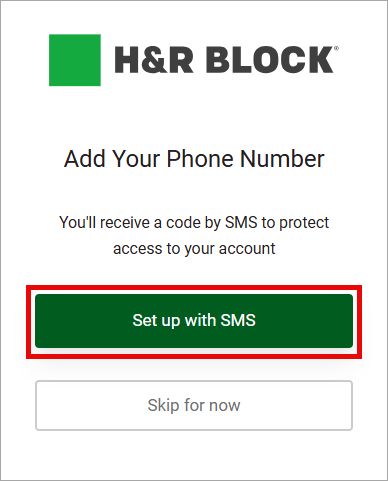
After you enter your email address and enter the 6-digit verification code from your email, you’ll be asked to Set up with SMS.
-
Going to your Account’s Settings.
-
Sign in to your account and click the Account drop down then select the Settings option.
-
After, the Add Your Phone Number screen will pop up. Click Set up with SMS and follow the on-screen instructions to continue.
-
What to do if your account has been locked?
Your account can be locked for multiple reasons. For example, if you enter the incorrect password multiple times, attempt to login from different devices, or even as a precaution to protect your account from suspicious activities.
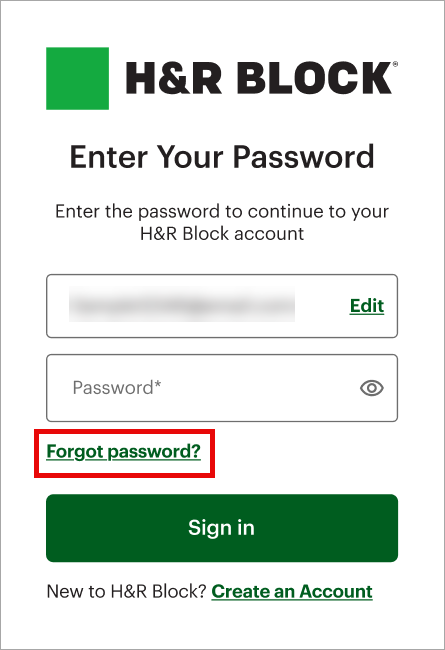
If this ever happens to you, follow the Forgot password? instructions to unlock your account.