How to recover access to your existing H&R Block account
If you can’t sign in because you no longer have access to the email address on your account, you can still recover your H&R Block account to access the Online Tax Software or Remote Tax Expert (RTE) — as long as you remember your former username and password.
Follow the steps below to update the email address connected to your account and regain access.
-
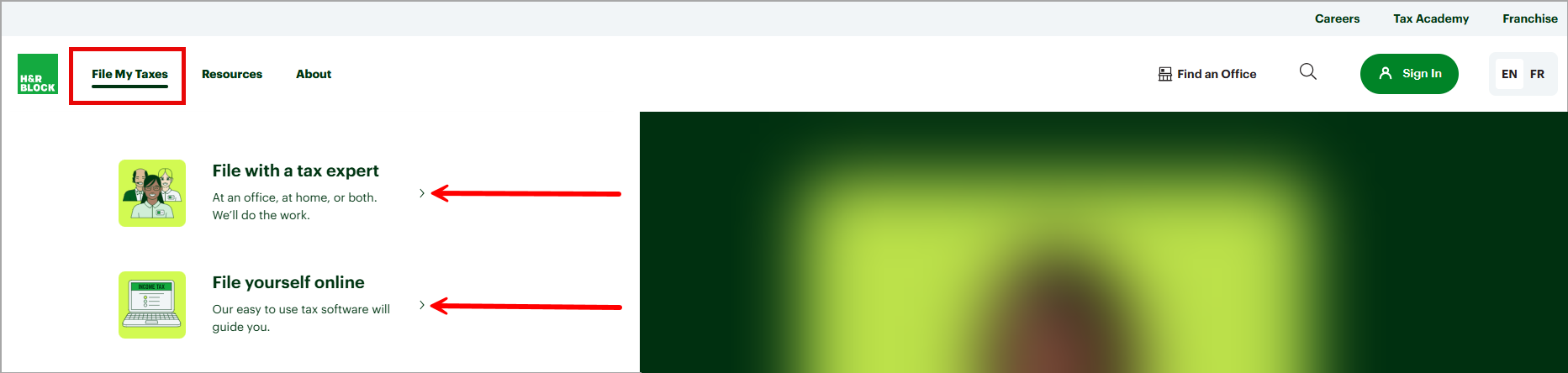
From our website, select the product you want to log in to.
-
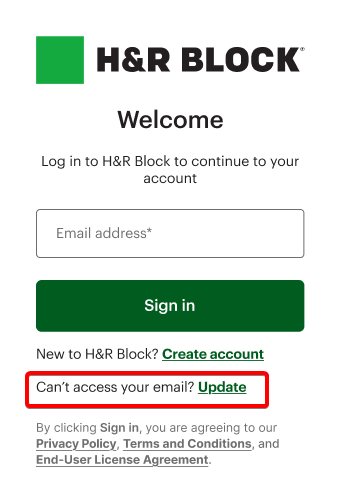
When you arrive on the Login page, select Can’t access your email? Update.
-
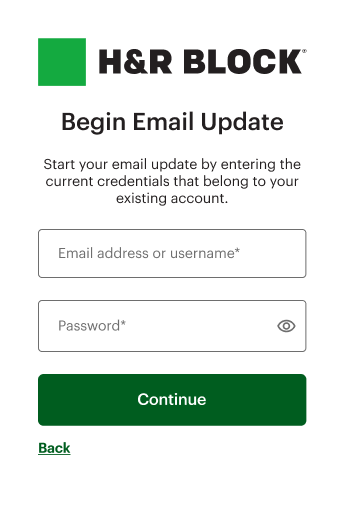
On the Begin email update page, enter the email or username associated with your account and the password. After, click Continue.
-
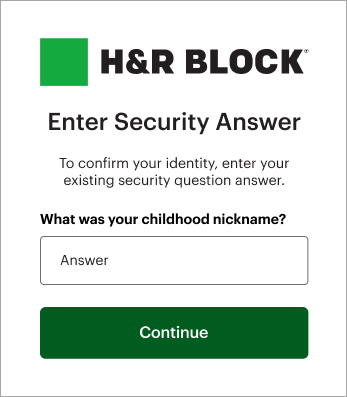
On the Enter Security Answer page, enter the answer to your security question.
-
On the Update Email page, enter the new email address you’d like to use for your account. Re-enter it to confirm, then select Update email.

Important: After 5 unsuccessful attempts to enter your credentials (email, password, and security answer), your account will be locked. If this happens, you'll need to follow the instructions on the screen to regain access to your account.
-
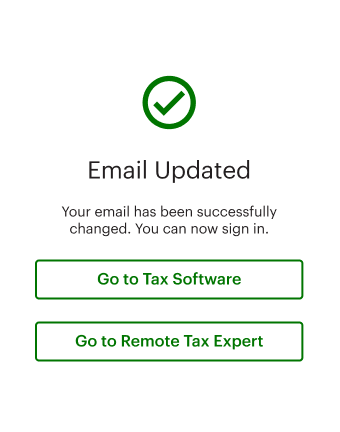
When you see the Email updated message, you can login using the email you updated.