How do I purchase multiple H&R Block codes?
Purchase all-inclusive codes valid for any H&R Block Canada’s paid packages with our tax software. With Premium All-Access, you can buy multiple codes at once and share them with friends, family, or employees. It doesn’t matter their tax scenarios, whether they are students, landlords, or gig workers. Their filing costs are completely covered using this code.
Note: Codes can only be used for tax year 2025 returns and will expire on December 31, 2026.
How can I purchase Premium All-Access?
You can purchase Premium All-Access by:
-
Click the link and navigate to the Premium All-Access purchase page.
-
Using the Add and Remove button, select the number of codes you want to purchase.
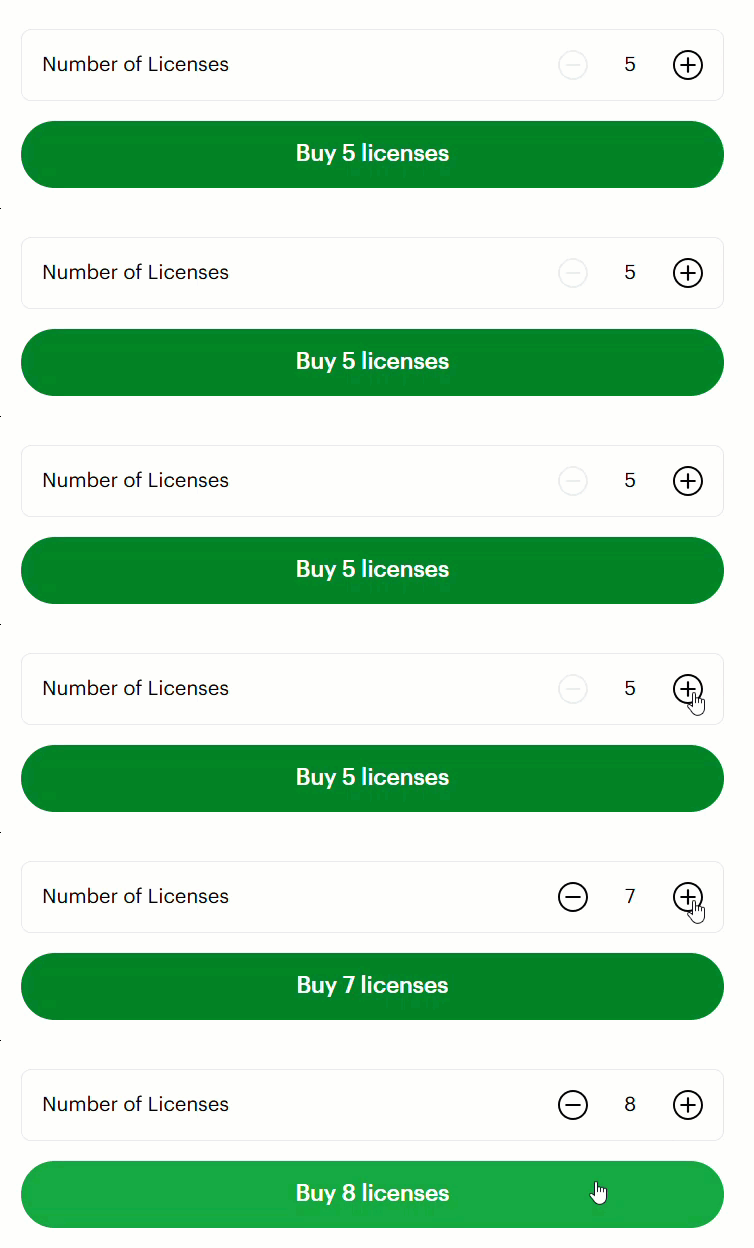
Note: A minimum of 5 codes must be purchased. The maximum number of codes available to be bought is 20.
-
Click Buy {Number selected} licenses.
-
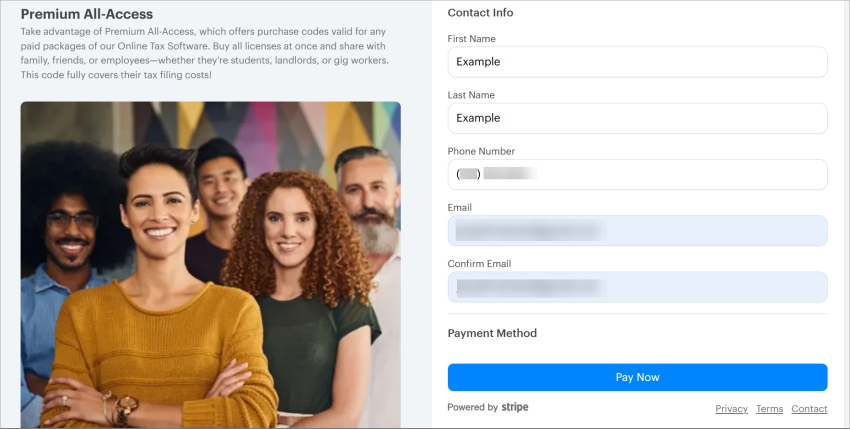
On the next page, enter your contact information.
Note: This should be the payer’s contact information.
-
Once all fields in the Contact Info section are filled, enter your Payment Method.
Note: For more information on which credit cards are accepted, see this article.
-
Review the Order Summary on the left of the page, then click Pay Now.
The Purchase Details page will appear, and the following information can be found here:
-
Purchase codes will be sent to the email entered previously.
-
Order number that can be easily copied.
-
Click Download Receipt to save a copy of the receipt.
-
How do I redeem a code?
Codes can be redeemed within H&R Block Canada’s tax software when filing. For detailed steps on how to redeem your codes, see:
-
Login to H&R Block Canada’s tax software and complete your return up until the File section.
-
On the left navigation, click File.
-
Next to your federal or Quebec return, click Pay and NETFILE Now.

-
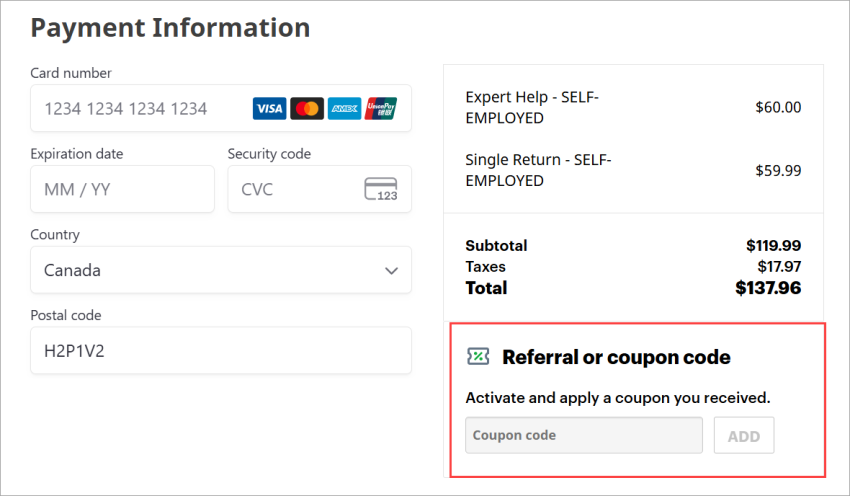
On the Payment Information page, enter a code key under the Referral or coupon code section.